Guest Chat gives you a private, text-only channel with your guests while you're live — separate from your public viewer chat — so you can share notes, cues, or reminders without anyone in your audience seeing them.
Sending a Message to Your Guests
- Click the chat icon in the bottom-left corner of the Stage.
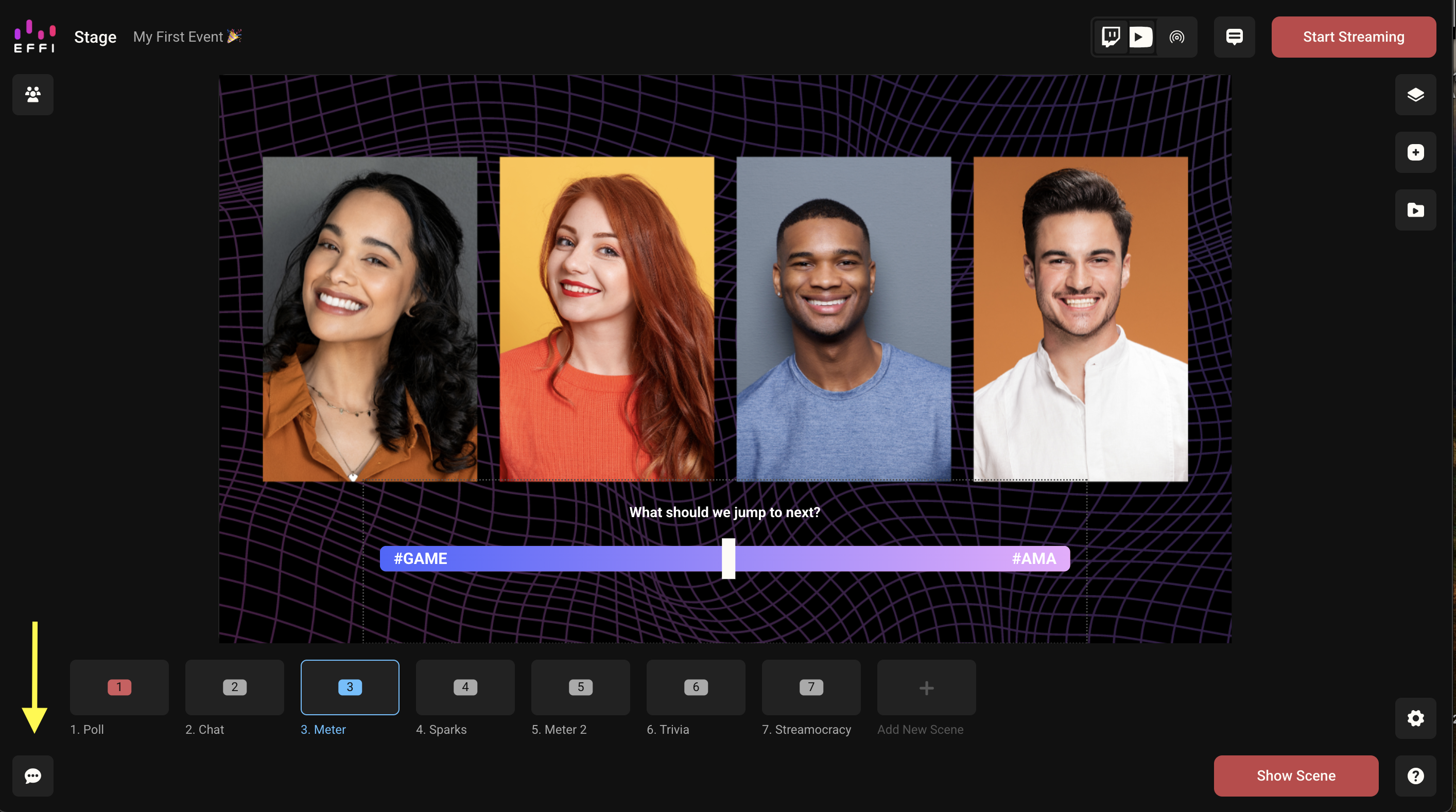
- The Guest Chat panel opens alongside your guests' video feeds.
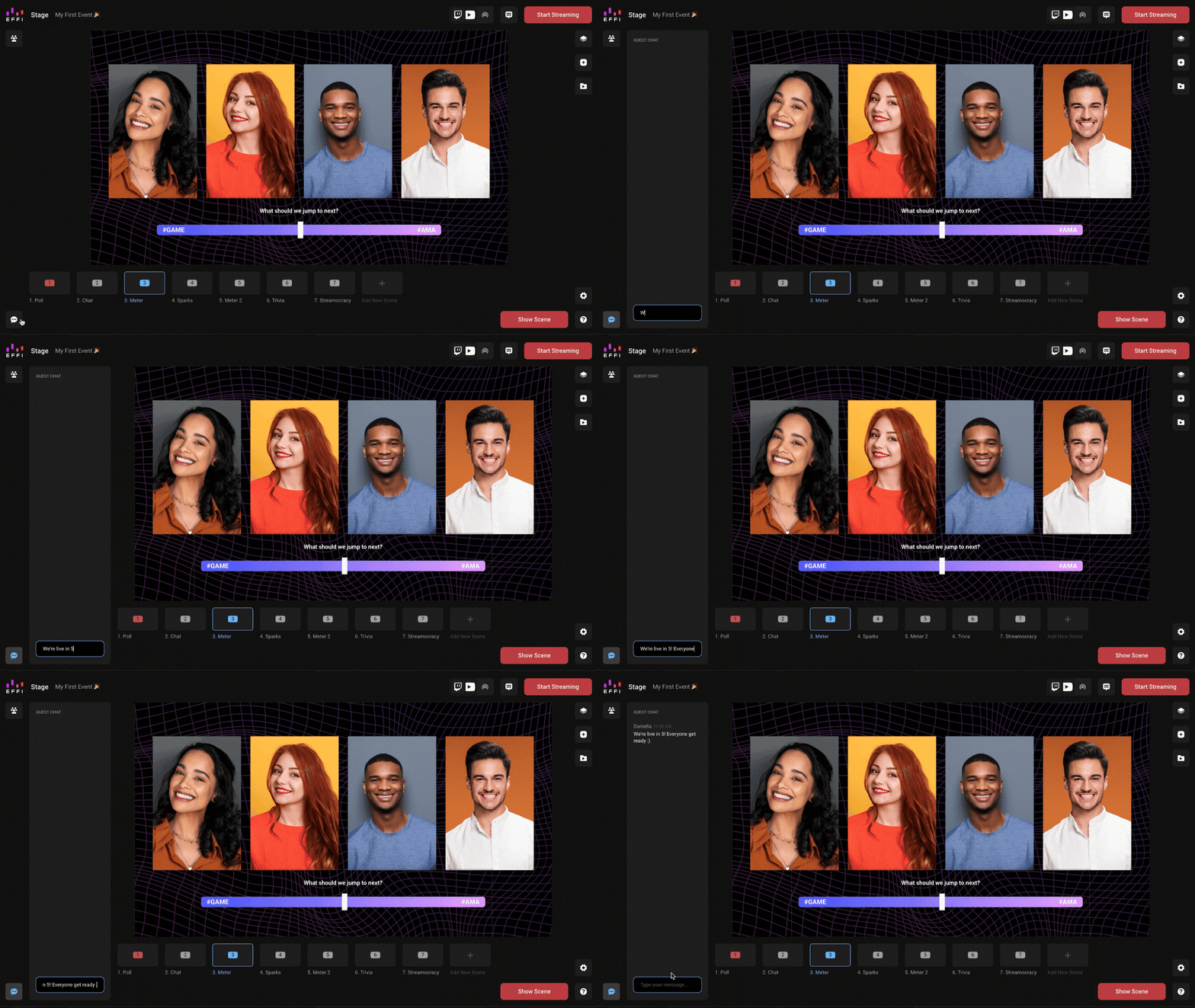
- Type your message and send it — only you and your guests can see it.
Important: Guest Chat messages are never visible to your viewers, even if the Guests panel is on screen when you go live.
Was this article helpful?
That’s Great!
Thank you for your feedback
Sorry! We couldn't be helpful
Thank you for your feedback
Feedback sent
We appreciate your effort and will try to fix the article